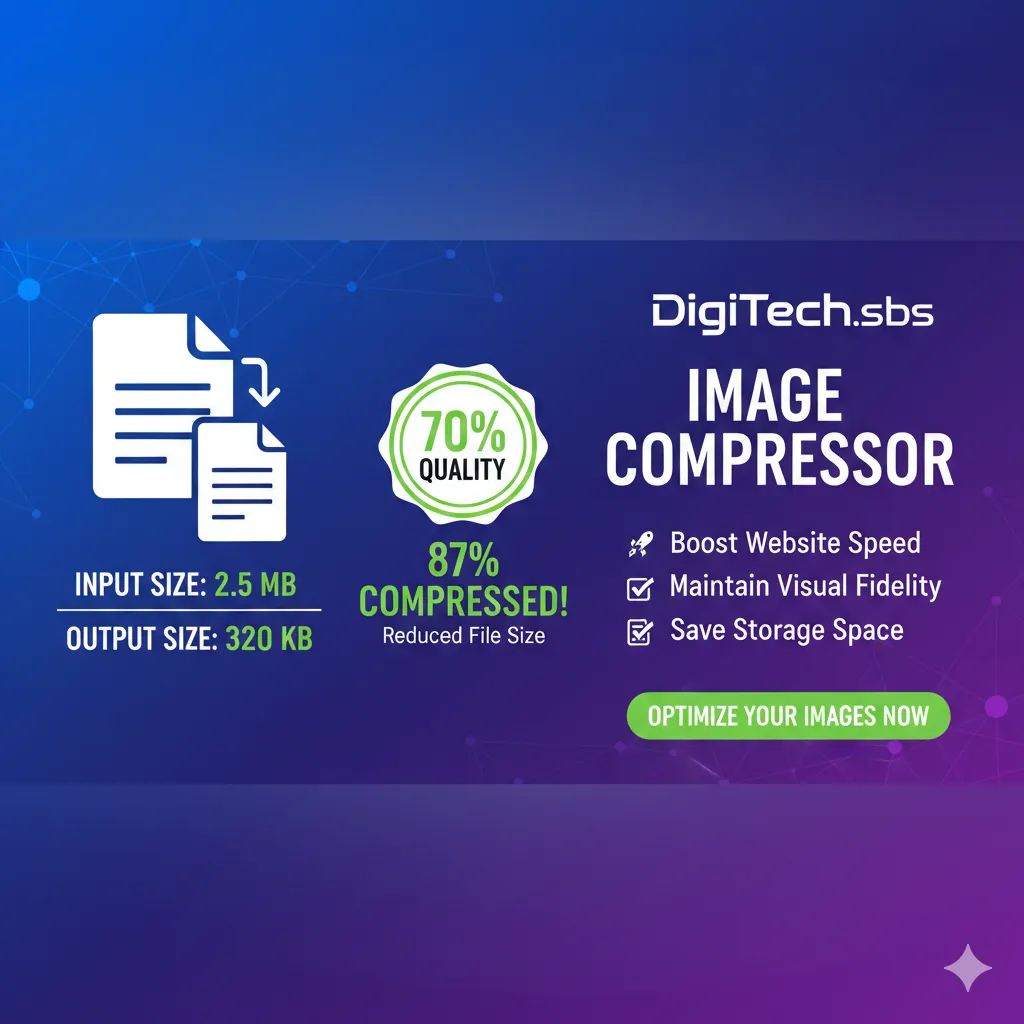
In today’s digital world, images play a huge role in websites, blogs, social media, and online marketing. However, large image files can slow down websites, increase data usage, and create problems while uploading or sharing content. This is where an Image Compressor becomes an essential tool.
In this blog, we’ll explain what image compression is, why it matters, and how you can compress images online without losing quality.
What Is Image Compression?
Image compression is the process of reducing the file size of an image while keeping its visual quality as close to the original as possible. A compressed image takes less storage space and loads faster compared to an uncompressed one.
There are two common types of image compression:
-
Lossless Compression – Reduces file size without removing important image data. Quality remains almost identical.
-
Lossy Compression – Removes some unnecessary data to achieve a much smaller file size, with minimal visible quality loss.
Modern image compressor tools use smart algorithms to balance size and quality efficiently.
Why Image Compression Is Important
Many people ignore image optimization, but it has a direct impact on performance and user experience. Here’s why image compression matters:
1. Faster Website Loading Speed
Large images slow down web pages. Compressed images load faster, improving page speed and user satisfaction.
2. Better SEO Performance
Search engines like Google prefer fast-loading websites. Optimized images can help improve SEO rankings and reduce bounce rate.
3. Saves Storage Space
Compressed images take less disk space, making them ideal for cloud storage, websites, and backups.
4. Easier Sharing
Smaller image files are easier to upload, email, and share on messaging apps or social media platforms.
5. Lower Data Usage
Compressed images consume less internet data, which is especially helpful for mobile users.
When Should You Compress Images?
You should compress images in situations like:
-
Uploading images to a website or blog
-
Sending images via email or online forms
-
Posting images on social media
-
Optimizing images for faster page speed
-
Saving storage space on your device
In short, almost every image used online should be compressed.
How to Compress Images Online Using an Image Compressor
Using an online image compressor is simple and does not require any technical knowledge.
Step-by-Step Process:
-
Open an online Image Compressor tool
-
Upload your image (JPG, PNG, or WebP)
-
Select compression level if available
-
Click on Compress Image
-
Download the compressed image instantly
The entire process takes just a few seconds.
Does Image Compression Reduce Quality?
This is one of the most common concerns. A good image compressor uses smart compression techniques that reduce file size without noticeable quality loss.
For most users, the compressed image looks almost identical to the original but is significantly smaller in size. This makes it perfect for web use.
Benefits of Using an Online Image Compressor
-
No software installation required
-
Works directly in your browser
-
Supports popular formats like JPG, PNG, and WebP
-
Fast and easy to use
-
Free and accessible from any device
Online image compressors are ideal for beginners and professionals alike.
Image Compression and Website Performance
If you run a website or blog, image compression is not optional—it’s essential. Optimized images:
-
Improve page speed
-
Enhance user experience
-
Reduce server load
-
Help meet Google Core Web Vitals standards
A simple image compression step can make a big difference in overall website performance.
Final Thoughts
An Image Compressor is one of the most useful tools for anyone working with images online. Whether you are a blogger, student, business owner, or casual user, compressing images helps you save time, space, and bandwidth while maintaining quality.
If you want faster websites, smoother uploads, and better performance, make image compression a regular part of your workflow.
Tip: Always keep a copy of the original image if you need maximum quality later, and use compressed images for web and sharing purposes.